

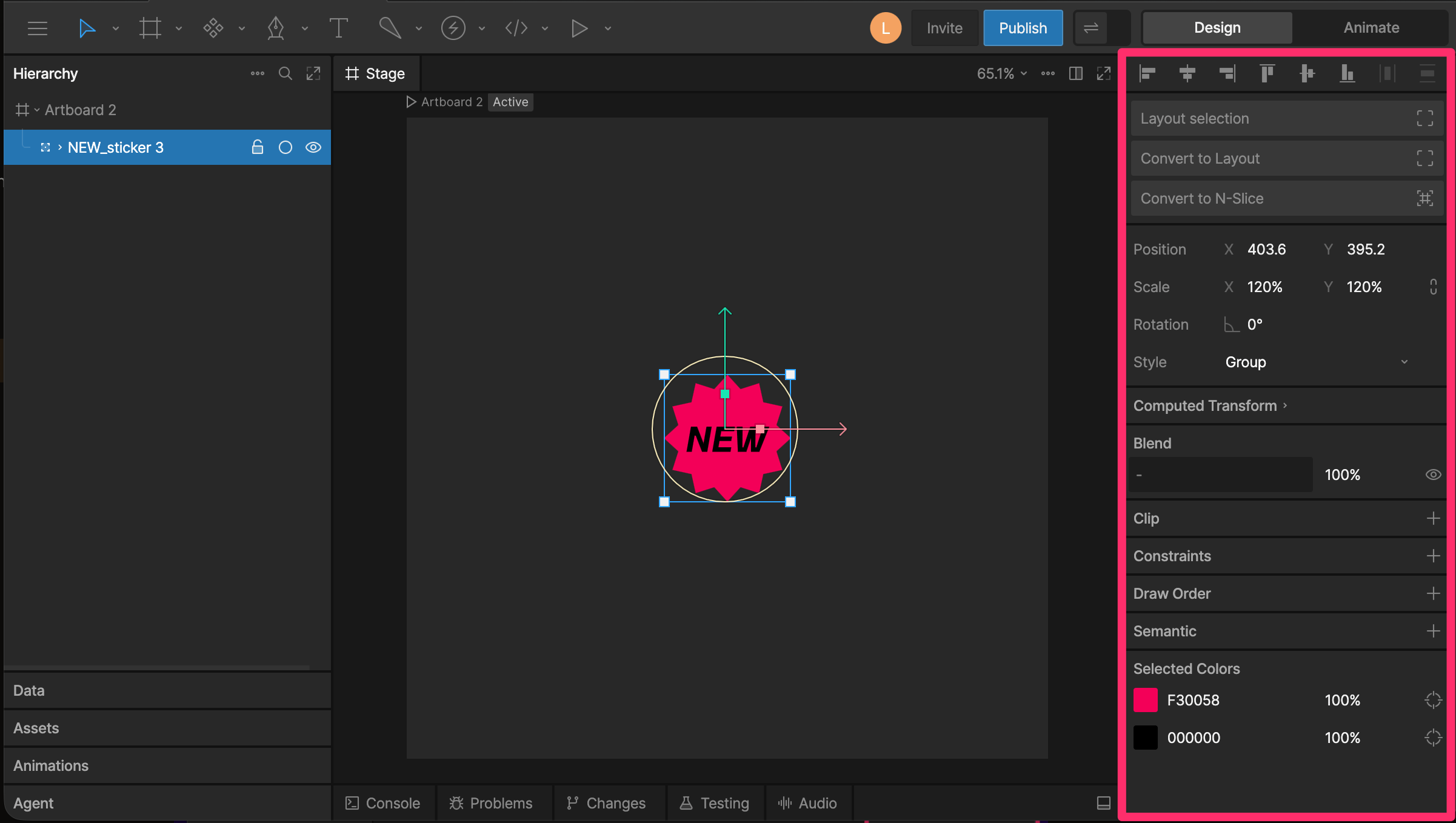
Selection Properties
When you select an element, the Inspector updates to show controls for that element. For example, selecting an artboard, object, joystick, script, property group, or State Machine item shows different options based on what that element can do.File Properties
When nothing is selected, the Inspector shows file-level options. These include:- Stage background colors for Design and Animate modes
- Scripting optimization and debug settings
- Shader targets
- Tags
- Default interpolation